
Guides
Explore 15 Most Popular Poki Games

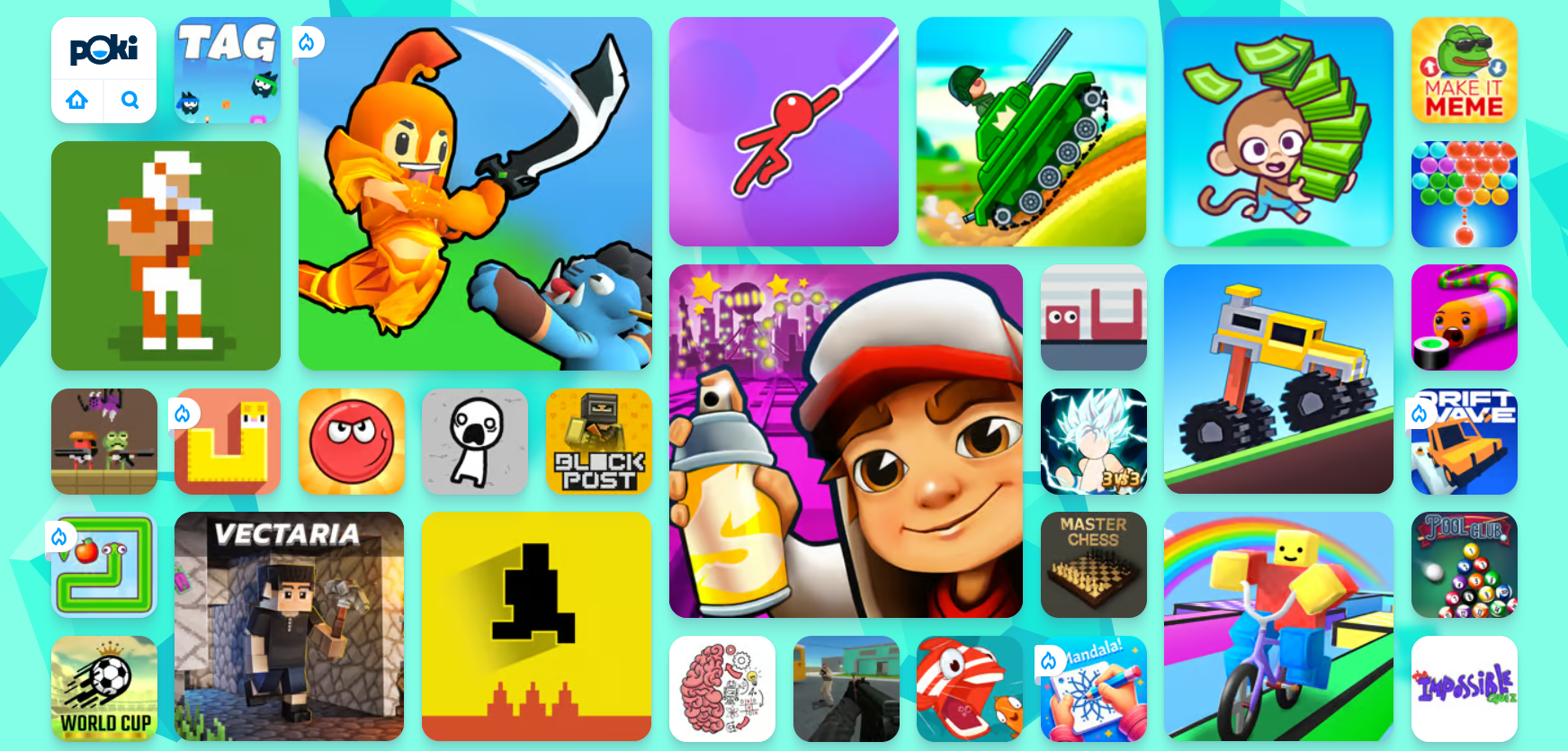
In the vast landscape of online gaming, Poki has emerged as a prominent platform, offering a diverse array of games that cater to various tastes and preferences. With an extensive library spanning genres like action, adventure, strategy, and more, Poki has captured the attention of gamers worldwide.
In this article, we will delve into the thrilling world of Poki games, highlighting 15 of the most popular titles that have garnered a massive following. From the addictive gameplay of Duck Life 4 to the high-speed excitement of Drive Mad, and the endless running challenges in Temple Run and Subway Surfers, Poki offers a gaming experience that keeps players hooked for hours on end.
List Of 15 Most Popular Poki Games
1. Duck Life 4
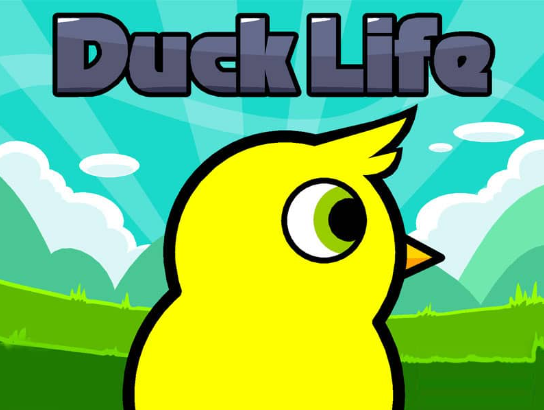
Duck Life 4 is a charming and engaging game that combines elements of racing, strategy, and simulation. Players take on the role of a duck trainer, tasked with preparing their feathered companions for intense races. The game introduces various training activities, including running, flying, and swimming, each contributing to the duck’s overall performance. As players progress, they can customize their ducks, making them faster and more agile. The adorable graphics and intuitive gameplay make Duck Life 4 a favorite among players of all ages.
2. Drive Mad
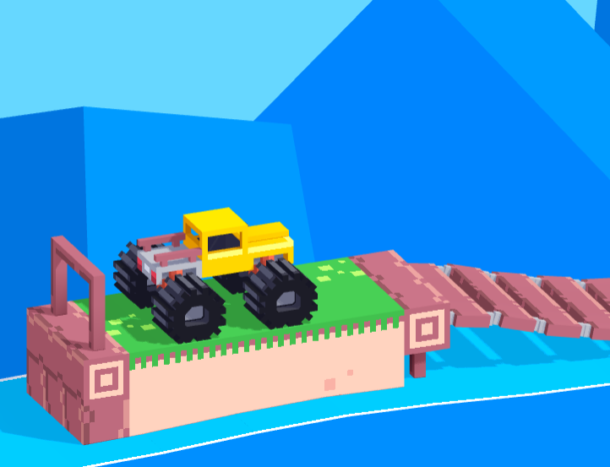
For those who crave the adrenaline rush of high-speed racing, Drive Mad stands out as a thrilling choice on Poki. This action-packed racing game puts players behind the wheel of powerful vehicles, challenging them to navigate through dynamic tracks filled with obstacles and opponents. The realistic graphics and responsive controls add to the immersive experience, making Drive Mad a go-to title for fans of the racing genre. Whether drifting through sharp turns or executing daring jumps, players are in for a wild ride with Drive Mad.
Also Read: Is Golf With Your Friends Cross-Platform?
3. Temple Run
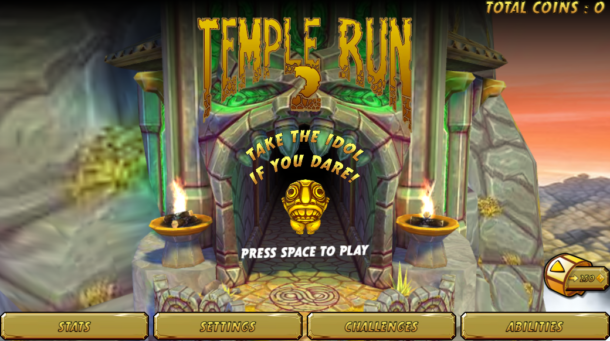
Temple Run is a classic endless runner that has become synonymous with mobile gaming excitement. The premise is simple yet addictive – players take control of an adventurer escaping from demonic monkeys through a perilous temple. The fast-paced gameplay requires quick reflexes as players navigate obstacles, collect coins, and power-ups to extend their run. With its easy-to-grasp mechanics and captivating visuals, Temple Run has earned its place as one of Poki’s most popular and enduring titles.
4. Subway Surfers

Joining Temple Run in the pantheon of endless runners, Subway Surfers is another Poki favorite that has captivated players worldwide. Set in the vibrant and bustling streets of various cities, Subway Surfers follows the escapades of a graffiti artist being pursued by an inspector and his dog. Players must dash through subway tracks, avoiding obstacles and oncoming trains while collecting coins and power-ups. The game’s dynamic environments, frequent updates, and a plethora of unlockable characters make Subway Surfers a consistently enjoyable experience for gamers of all ages.
Also Read: Jump Throw Bind in CSGO [The Complete Guide]
5. Bubble Shooter

One of the classic and enduring games on Poki, Bubble Shooter has maintained its popularity for its simple yet addictive gameplay. The objective is to clear the screen of colorful bubbles by matching three or more of the same color. With its intuitive controls and challenging levels, Bubble Shooter provides a relaxing yet stimulating gaming experience for players of all ages.
6. Smash Karts
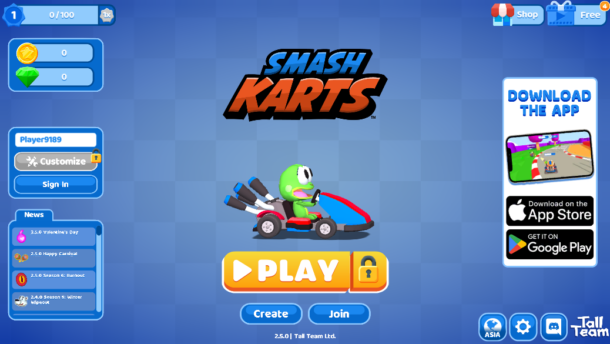
Smash Karts takes the adrenaline-pumping action of kart racing to a whole new level. Players engage in fast-paced races, using power-ups and weapons to outmaneuver opponents and emerge victorious. The vibrant graphics and dynamic gameplay contribute to the game’s widespread appeal, making it a staple in the Poki gaming community.
7. Stickman Hook

For those seeking a more casual and physics-based gaming experience, Stickman Hook offers a simple yet addictive premise. Players control a stickman swinging through levels using a grappling hook, navigating obstacles and aiming for a smooth landing. The game’s easy-to-learn controls and vibrant visuals make it accessible to players of all skill levels. Whether swinging through urban landscapes or soaring through the clouds, Stickman Hook provides a delightful and entertaining experience.
Also Read: How to Get MC Command Center Mod: Sims 4
8. Moto X3M
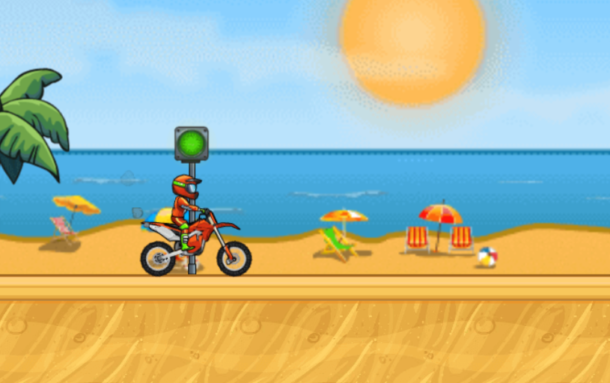
Moto X3M is a high-octane motorcycle racing game that challenges players to conquer a series of increasingly difficult and obstacle-laden tracks. The game’s physics-based gameplay adds an extra layer of challenge, requiring players to balance speed and precision as they navigate loops, jumps, and other hazards. With its dynamic level design and responsive controls, Moto X3M has become a go-to choice for fans of two-wheeled mayhem on the Poki platform.
9. Tunnel Rush
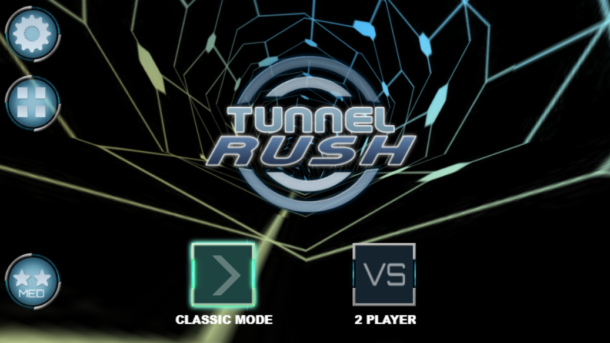
Tunnel Rush offers a visually mesmerizing and fast-paced gaming experience. Players navigate through a neon-colored tunnel, avoiding obstacles and collecting points along the way. The game’s immersive soundtrack and responsive controls add to its charm, making Tunnel Rush a favorite among those seeking a thrilling and visually stimulating challenge.
10. Crazy Cars
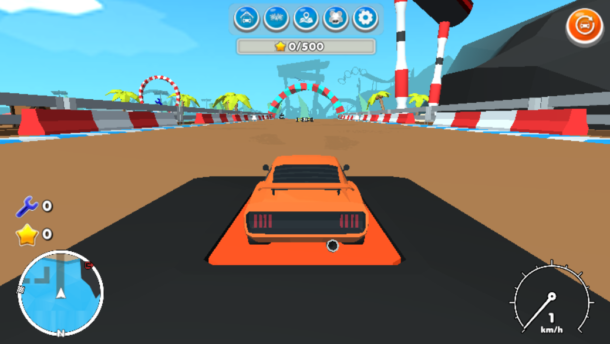
Crazy Cars takes the concept of racing to the extreme, featuring wild tracks and outlandish vehicles. Players compete in high-speed races, performing stunts and using power-ups to gain an edge over opponents. The game’s combination of vibrant graphics and intense gameplay has secured its place as one of the most popular racing games on Poki.
Also Read: Exploring the Edgy World of Sims 4 Strip Clubs
11. Crossy Road
Crossy Road takes a whimsical approach to the classic arcade game Frogger, challenging players to guide a pixelated character across busy roads, rivers, and other obstacles. The game’s charming voxel art style and quirky characters add to its appeal, creating a lighthearted and entertaining experience. Crossy Road’s simple yet addictive gameplay, coupled with its endless variety of unlockable characters, makes it a delightful choice for casual gaming on Poki.
12. Monkey Mart
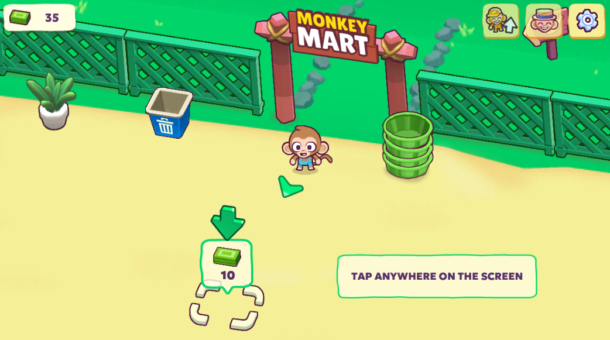
Cut the Rope is a puzzle game that combines physics-based challenges with adorable visuals and a catchy soundtrack. Players are tasked with feeding candy to a cute green monster named Om Nom by cutting ropes and manipulating various objects. The game’s clever level design and progressively challenging puzzles keep players engaged and entertained. Cut the Rope’s widespread popularity across multiple platforms, including Poki, showcases its universal appeal and enduring charm.
13. Stickman Fighter- Epic Battle
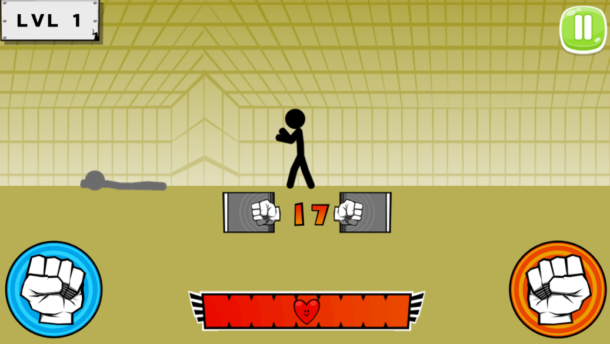
Stickman Fighter- Epic Battle delivers a dose of action-packed combat with its side-scrolling beat ’em up gameplay. Players control a stickman character, facing off against waves of enemies in various environments. The game’s simple controls and fast-paced combat make it accessible to players of all skill levels, while its challenging enemies and epic boss battles add depth to the overall experience. Stickman Fighter: Epic Battle is a testament to the enduring popularity of classic beat ’em up games on the Poki platform.
14. 2048
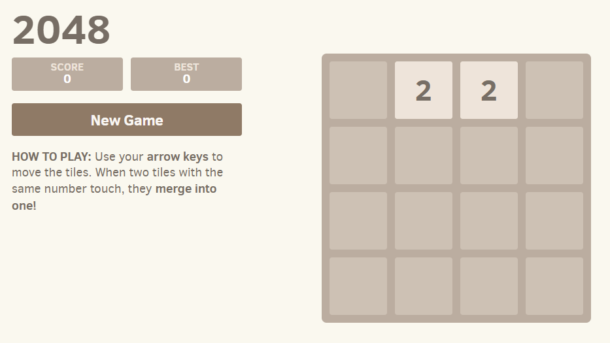
Shifting gears to the puzzle genre, 2048 is a minimalist yet highly addictive number puzzle game. Players slide numbered tiles on a grid, combining identical numbers to create larger sums, with the ultimate goal of reaching the elusive 2048 tile. The game’s simple mechanics and strategic depth have made it a hit among puzzle enthusiasts on Poki and other platforms. 2048’s blend of simplicity and complexity provides a satisfying and intellectually stimulating gaming experience.
15. Tank Trouble

Tank Trouble is a multiplayer tank battle game that combines strategy and chaos in an arena filled with obstacles. Players control tanks and engage in intense battles against friends or AI opponents, aiming to outmaneuver and outshoot their adversaries. The game’s simple controls and unpredictable physics create a dynamic and enjoyable multiplayer experience. Tank Trouble’s emphasis on fast-paced tank warfare and strategic maneuvering makes it a standout choice for those seeking multiplayer mayhem on Poki.
Also Read: Top 30+ WTF Unblocked Games: Free Online Games
Conclusion
To sum it up, the world of Poki games is a diverse and exciting one, offering something for every type of gamer. Whether you prefer intense multiplayer shooters, challenging platformers, or casual puzzle games, Poki has proven itself as a versatile platform that continues to deliver engaging and enjoyable gaming experiences. As the gaming landscape evolves, one thing remains constant – the popularity and allure of Poki games will continue to grow, providing a haven for gamers seeking fun, excitement, and a sense of accomplishment.


Download Minecraft PE 1.21.131 APK for Android
Minecraft Bedrock 1.21.131 is a focused hotfix update — improved Spear combat, two important bug fixes, and better overall stability on Android. No new content, but a noticeably smoother experience.
Spear Knockback Improvement
The window during which a charged Spear attack can apply knockback has been extended. This makes combat feel more reliable — the attack now connects as expected without requiring pinpoint timing, especially useful when fighting multiple mobs at once.
Spear Animation Alignment
Charge attack animations now accurately sync with the Spear’s three gameplay phases: Engaged, Tired, and Disengaged. What you see on screen now matches what the game engine is actually doing — making combat more readable and reducing guesswork in fights.
Performance & Stability
Frame drops on mid-range Android hardware have been reduced. Memory handling improvements prevent sudden freezes during long play sessions. World loading and chunk generation are more reliable, reducing terrain “pop-in” when exploring or moving quickly.
Multiplayer Improvements
Backend updates improve session stability when players join or leave. Fewer disconnects and smoother synchronisation across Bedrock servers. Marketplace content and add-ons also load more consistently during multiplayer sessions.
Adventuring Time Achievement Fixed — The achievement no longer unlocks early. It now correctly requires visiting at least 17 biomes on PC, matching the intended design.
Marketplace Escape Key Fixed — Pressing Escape after using the Marketplace search now reliably returns players to the previous menu instead of getting stuck in a loop.
Add-on World Loading Fixed — A bug that triggered a “Block” error when loading or creating worlds with multiple add-ons installed has been resolved.
Download the APK
Tap one of the Download buttons above. Choose the Standard (no music) version if storage is limited, or the Full version for the complete experience. The ARM64 build is recommended for modern phones.
Enable “Install Unknown Apps”
Go to Settings → Security (or Privacy) → Install unknown apps. Enable the permission for your browser or file manager. Android requires this for any APK installed outside Google Play.
Open the APK File
Open your Downloads folder, find the Minecraft 1.21.131 APK, and tap it to launch the system installer. Follow the on-screen prompts.
Install Over Existing Version
In most cases you can install 1.21.131 directly over your existing Minecraft without losing any worlds or progress. If you see a signature conflict error, uninstall first — but back up your worlds beforehand.
Launch and Sign In
Open Minecraft, sign in with your Microsoft/Xbox Live account, and your existing worlds will load normally. Online multiplayer, Realms, and Marketplace content all work as before.
Download Minecraft PE 1.20 APK for Android
Get the full Minecraft Bedrock 1.20 (Trails and Tales) APK for Android. Supports Xbox Live sign-in. Multiple versions available — stable releases and preview builds.
Download the APK File
Tap the Download button above for the version you want. The APK file will save to your device’s Downloads folder.
Enable “Install Unknown Apps”
Go to Settings → Security or Privacy → Install unknown apps. Enable it for your browser or file manager. Android requires this for any APK installed outside of Google Play.
Open the Downloaded File
Open your Downloads folder (or tap the notification), find the Minecraft APK, and tap it to start the installer.
Confirm Installation
Tap Install and wait for the process to complete. If you see a “signature conflict” error, uninstall your existing Minecraft version first, then retry.
Launch and Sign In with Xbox Live
Open Minecraft, sign in with your Microsoft/Xbox Live account to access multiplayer, Realms, and cross-platform features.
-
 Guides7 years ago
6 Proven Ways to Get more Instagram Likes on your Business Account
-
Mainstream12 years ago
BioWare: Mass Effect 4 to Benefit From Dropping Last-Gen, Will Not Share Template With Dragon Age: Inquisition
-
 Mainstream8 years ago
How to Buy Property & Safe Houses in GTA 5 (Grand Theft Auto 5)
-

 Guides2 years ago
Free Fire vs PUBG: Comparing Graphics, Gameplay, and More
-

 Guides2 years ago
50+ Free Fire ID and Passwords Login List (Giveaway) 2025
-
 Casual3 years ago
8 Ways to Fix Over-Extrusion and Under-Extrusion in 3D Printing
-

 Other3 years ago
Ajjubhai UID: Free Fire Details & Earnings
-

 Features2 years ago
Exploring Valorant eSports Stats: Unveiling the Metrics Behind Competitive Excellence