
Guides
50+ Free Fortnite Accounts Email and Password (February 2025)

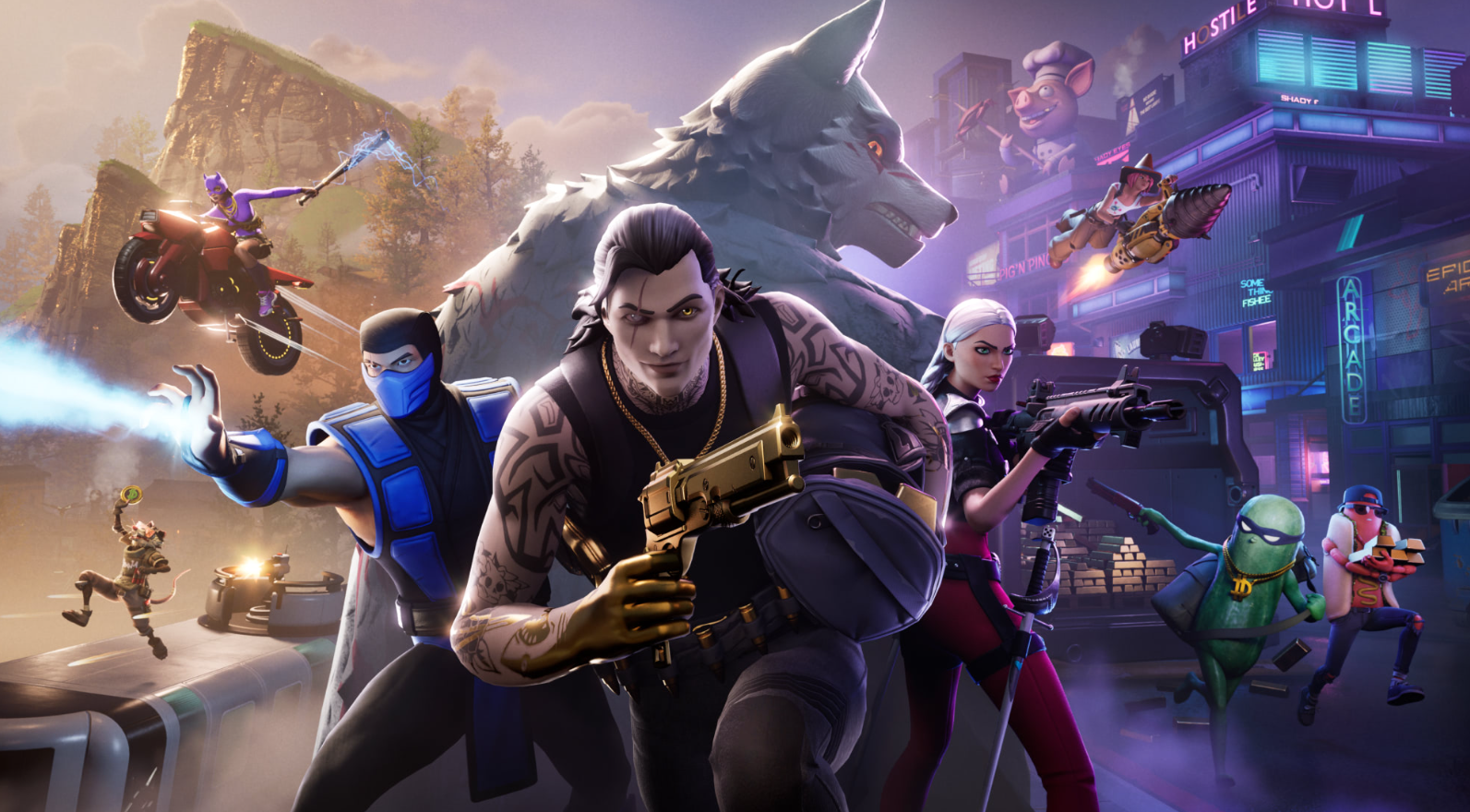
Fortnite, launched by Epic Games in 2017, is a global sensation in the battle royale genre. Players love its fast-paced gameplay, immersive events, and stunning graphics. However, reaching premium status requires effort, time, and money. This has led many players to search for free Fortnite accounts with unlocked premium skins, V-Bucks, and rare collectibles.
You’ve come to the right place if you’re looking for free Fortnite accounts. Below, you’ll find 50+ Fortnite accounts, passwords, and legitimate ways to obtain OG accounts. Also, we’ll cover security tips, reasons why players seek free accounts and alternative ways to enjoy premium features in Fortnite.
50+ Free Fortnite Accounts and Passwords
Are you seeking free Fortnite accounts with premium skins, V-Bucks, and exclusive items? We have compiled a list of over 50 free Fortnite accounts and passwords to enhance your gaming experience.
| Account Email | Password |
| daksha6775gokhale963@gmail.com | joshe96357 |
| hita_raj@gmail.com | anuj_raj50 |
| jayshree_jayakumar@gmail.com | bhavumar35 |
| parag2273majhihira@gmail.com | sudhhira56 |
| venkat6200haranath@gmail.com | vikanath31 |
| madhavi1093dommaraju194@gmail.com | kalau19428 |
| pranati1160selvaraj@gmail.com | vipuaraj82 |
| atul7782chandrashekhar824@gmail.com | utkar82493 |
| arun1415reddy133@gmail.com | anamy13324 |
| ketaki_jandhyala176@gmail.com | aisha17626 |
| girija_chakravarthy754@gmail.com | amany75434 |
| sunil_dodda@gmail.com | goviodda65 |
| rajendra_gokhale628@gmail.com | shike62826 |
| jignesh_pant@gmail.com | manopant1 |
| prashanth_harish@gmail.com | raj_rish87 |
| chandrakant_bedi991@gmail.com | sudhi99116 |
| jai_pakala@gmail.com | shamkala46 |
| girija_dewangan285@gmail.com | rupan28539 |
| gunjan7940panigrahi@gmail.com | amanrahi28 |
| praveen6792bachala@gmail.com | aryahala69 |
| ishwar2908mehera@gmail.com | kavihera77 |
| armaan4939palani@gmail.com | aryalani78 |
| lopamudra8380krishnan728@gmail.com | heman72836 |
| khushi1008rana@gmail.com | prabrana43 |
| shantanu3036arora@gmail.com | jaslrora88 |
| suresh_muduli884@gmail.com | anuji88473 |
| indrajit_acharya181@gmail.com | sunda1810 |
| durgesh2061purohit@gmail.com | swarohit86 |
| charita_choudhury645@gmail.com | nirmy64514 |
| amrut_jindal@gmail.com | raghndal40 |
| usha9450iragavarapu643@gmail.com | pratu6430 |
| sindhu2049kalakuntla744@gmail.com | varsa74492 |
| jay4209gouda530@gmail.com | divya53066 |
| prathamesh4342joshi@gmail.com | adityjoshi92 |
| surajkumar6294@gmail.com | goku6294dbz |
| snehamishra9832@gmail.com | qwerty9832 |
| ankushsharma5543@gmail.com | anku@5543 |
| pranjalkulkarni812@gmail.com | kulkarni812 |
| harshgupta2024@gmail.com | harshy_2024 |
| reemaagarwal1011@gmail.com | reema1011 |
| manishjha786@gmail.com | jha786manish |
| anirbanbose4567@gmail.com | bose4567anir |
| yashpatel303@gmail.com | patel303yash |
Disclaimer: These accounts have been gathered from various public sources. We do not sell, leak, or promote unauthorized access. They are shared solely for educational purposes.
Also Read: Multithreaded Rendering in Fortnite: Everything you need to know
Why Players Seek Free Fortnite Accounts
Many players actively search for free Fortnite accounts for several compelling reasons. Here are some of the most common motivations:
1. Save Money
One of the primary reasons players look for free Fortnite accounts is to save money. Fortnite offers premium skins, battle passes, and V-Bucks, which can be expensive. Free accounts allow access to these premium features without spending real money.
2. Unlock Rare Skins
Some Fortnite accounts have legendary or exclusive skins that are no longer available. Players who missed out on limited-time skins, such as the Renegade Raider or Black Knight, often seek free accounts with these cosmetics unlocked.
3. Higher-Level Accounts
Older accounts tend to have more in-game assets, including rare back bling, pickaxes, and emotes. A higher-level account also means the player has unlocked various rewards from past seasons, making the gaming experience more enjoyable.
4. Exclusive Battle Pass Rewards
Many Fortnite accounts contain rewards from previous Battle Pass seasons. Since these rewards cannot be unlocked once a season ends, players look for free accounts that already have them.
5. V-Bucks Balance
Some free Fortnite accounts come with leftover V-Bucks that can be used to buy skins, emotes, or the latest Battle Pass. Instead of purchasing V-Bucks, players may try to find accounts that still have some balance left.
6. Access to Rare and Limited Items
Many accounts contain special items in addition to skins and V-Bucks, such as event-exclusive gliders, wraps, and music packs. Players who enjoy showcasing unique items search for accounts that offer these benefits.
7. Faster Progression in the Game
While the appeal of free Fortnite accounts is intense, players should always ensure they obtain them through ethical means such as giveaways and community sharing rather than using unauthorized or illegal methods.
While the appeal of free Fortnite accounts is strong, players should always ensure they obtain them through ethical means such as giveaways and community sharing rather than using unauthorized or illegal methods.
Also Read: Free Roblox Accounts and Passwords With Robux – Everything You Need to Know
Legitimate Ways to Get Free Fortnite Accounts
Looking for safe and legitimate ways to get free Fortnite accounts? Several ethical methods exist to gain access to premium Fortnite accounts without violating any rules. Here are some of the best ways to do so:
1. Join Giveaways
Many Fortnite YouTubers, streamers, and gaming communities conduct giveaways where they share free accounts or V-Bucks. These giveaways are often part of promotions to engage their audiences. You can increase your chances of winning by actively participating in live streams, subscribing to channels, and engaging in community events. Keep an eye on Twitter, Discord, and YouTube for giveaway announcements.
2. Check Social Media & Forums
Fortnite-related forums and social media groups are excellent places to find free accounts. Some players no longer playing Fortnite often give away or sell their old accounts. By joining Fortnite communities on Reddit, Discord, and Facebook, you can stay updated on account-sharing opportunities. However, always be cautious and ensure that account transactions are done through trusted sources.
3. Use Shared Accounts
Some gamers share their accounts with friends or other players, allowing access to premium skins and exclusive content. If you have friends or teammates who own high-level Fortnite accounts, they might be willing to let you play on their accounts temporarily. However, make sure you have their permission and respect their account settings.
4. Recover Lost Accounts
If you’ve lost access to your Fortnite account, you can recover it through Epic Games’ account recovery process. Visit the official Fortnite website, go to the login page, and click “Forgot Password.” Enter your registered email address, and Epic Games will send instructions on how to reset your password. Contact Epic Games’ support for further assistance if you’re facing additional issues.
By following these legitimate methods, you can gain access to free Fortnite accounts without resorting to unethical means. Always prioritize security and respect the original account owners when using shared or giveaway accounts.
Also Read: 50+ Free Fire ID and Passwords Login List (Giveaway) 2025
How to Recover a Lost Fortnite Account
If you have lost access to your Fortnite account, don’t worry. You can easily recover it by following these steps:
- Visit the Epic Games website and click on the Login button.
- Select Forgot Password below the login field.
- Enter the email address associated with your Fortnite account.
- Check your email inbox for a password reset link from Epic Games.
- Click on the link and follow the instructions to create a new password.
- Once you successfully reset your password, return to Fortnite and log in with your new credentials.
If you cannot recover your account, contact Epic Games support for further assistance. Ensure you provide the necessary details, such as your account username, linked email, and any previous purchase details, to verify your ownership.
Tips to Secure Your Fortnite Account
Want to prevent your Fortnite account from getting hacked? Follow these security measures:
- Enable Two-Factor Authentication (2FA): Adding 2FA provides an extra layer of protection. You will receive a verification code on your registered email or phone whenever you log in, preventing unauthorized access.
- Use a Strong Password: Avoid using common passwords. Create a mix of uppercase and lowercase letters, numbers, and special characters to make it difficult to crack.
- Link Your Account to Social Media: Connecting your Fortnite account to platforms like Facebook, Google, or Xbox helps you recover your account if you ever lose access.
- Change Your Password Regularly: Updating your password every few weeks ensures that even if someone gets access, they won’t be able to log in for long.
- Avoid Sharing Your Credentials: Never share your account details with anyone, even friends. If you must share, ensure you change the password afterward.
- Be Cautious of Phishing Scams: Avoid clicking on suspicious links or downloading files from untrusted sources. Hackers often use fake websites to steal login information.
- Monitor Account Activity: Check your Fortnite account history and emails for unauthorized login attempts. If you notice anything suspicious, change your password immediately.
By following these simple security steps, you can ensure that your Fortnite account remains safe and secure.
Also Read: 250+ Funny Call of Duty Names
Conclusion
Free Fortnite accounts allow players to access rare skins, premium items, and high-level progress without spending money. However, always respect original account owners. If you obtain an account through a giveaway, use it ethically and avoid changing login credentials unless authorized.
Stay updated with Fortnite communities for new giveaways and account-sharing opportunities. Happy gaming!


Download Minecraft PE 1.21.131 APK for Android
Minecraft Bedrock 1.21.131 is a focused hotfix update — improved Spear combat, two important bug fixes, and better overall stability on Android. No new content, but a noticeably smoother experience.
Spear Knockback Improvement
The window during which a charged Spear attack can apply knockback has been extended. This makes combat feel more reliable — the attack now connects as expected without requiring pinpoint timing, especially useful when fighting multiple mobs at once.
Spear Animation Alignment
Charge attack animations now accurately sync with the Spear’s three gameplay phases: Engaged, Tired, and Disengaged. What you see on screen now matches what the game engine is actually doing — making combat more readable and reducing guesswork in fights.
Performance & Stability
Frame drops on mid-range Android hardware have been reduced. Memory handling improvements prevent sudden freezes during long play sessions. World loading and chunk generation are more reliable, reducing terrain “pop-in” when exploring or moving quickly.
Multiplayer Improvements
Backend updates improve session stability when players join or leave. Fewer disconnects and smoother synchronisation across Bedrock servers. Marketplace content and add-ons also load more consistently during multiplayer sessions.
Adventuring Time Achievement Fixed — The achievement no longer unlocks early. It now correctly requires visiting at least 17 biomes on PC, matching the intended design.
Marketplace Escape Key Fixed — Pressing Escape after using the Marketplace search now reliably returns players to the previous menu instead of getting stuck in a loop.
Add-on World Loading Fixed — A bug that triggered a “Block” error when loading or creating worlds with multiple add-ons installed has been resolved.
Download the APK
Tap one of the Download buttons above. Choose the Standard (no music) version if storage is limited, or the Full version for the complete experience. The ARM64 build is recommended for modern phones.
Enable “Install Unknown Apps”
Go to Settings → Security (or Privacy) → Install unknown apps. Enable the permission for your browser or file manager. Android requires this for any APK installed outside Google Play.
Open the APK File
Open your Downloads folder, find the Minecraft 1.21.131 APK, and tap it to launch the system installer. Follow the on-screen prompts.
Install Over Existing Version
In most cases you can install 1.21.131 directly over your existing Minecraft without losing any worlds or progress. If you see a signature conflict error, uninstall first — but back up your worlds beforehand.
Launch and Sign In
Open Minecraft, sign in with your Microsoft/Xbox Live account, and your existing worlds will load normally. Online multiplayer, Realms, and Marketplace content all work as before.
Download Minecraft PE 1.20 APK for Android
Get the full Minecraft Bedrock 1.20 (Trails and Tales) APK for Android. Supports Xbox Live sign-in. Multiple versions available — stable releases and preview builds.
Download the APK File
Tap the Download button above for the version you want. The APK file will save to your device’s Downloads folder.
Enable “Install Unknown Apps”
Go to Settings → Security or Privacy → Install unknown apps. Enable it for your browser or file manager. Android requires this for any APK installed outside of Google Play.
Open the Downloaded File
Open your Downloads folder (or tap the notification), find the Minecraft APK, and tap it to start the installer.
Confirm Installation
Tap Install and wait for the process to complete. If you see a “signature conflict” error, uninstall your existing Minecraft version first, then retry.
Launch and Sign In with Xbox Live
Open Minecraft, sign in with your Microsoft/Xbox Live account to access multiplayer, Realms, and cross-platform features.
-
 Guides7 years ago
6 Proven Ways to Get more Instagram Likes on your Business Account
-
Mainstream12 years ago
BioWare: Mass Effect 4 to Benefit From Dropping Last-Gen, Will Not Share Template With Dragon Age: Inquisition
-
 Mainstream8 years ago
How to Buy Property & Safe Houses in GTA 5 (Grand Theft Auto 5)
-

 Guides2 years ago
Free Fire vs PUBG: Comparing Graphics, Gameplay, and More
-

 Guides2 years ago
50+ Free Fire ID and Passwords Login List (Giveaway) 2025
-
 Casual3 years ago
8 Ways to Fix Over-Extrusion and Under-Extrusion in 3D Printing
-

 Other2 years ago
Ajjubhai UID: Free Fire Details & Earnings
-

 Features2 years ago
Exploring Valorant eSports Stats: Unveiling the Metrics Behind Competitive Excellence