
Guides
UNO: Understanding ‘Shuffle Hands UNO’ & Gameplay

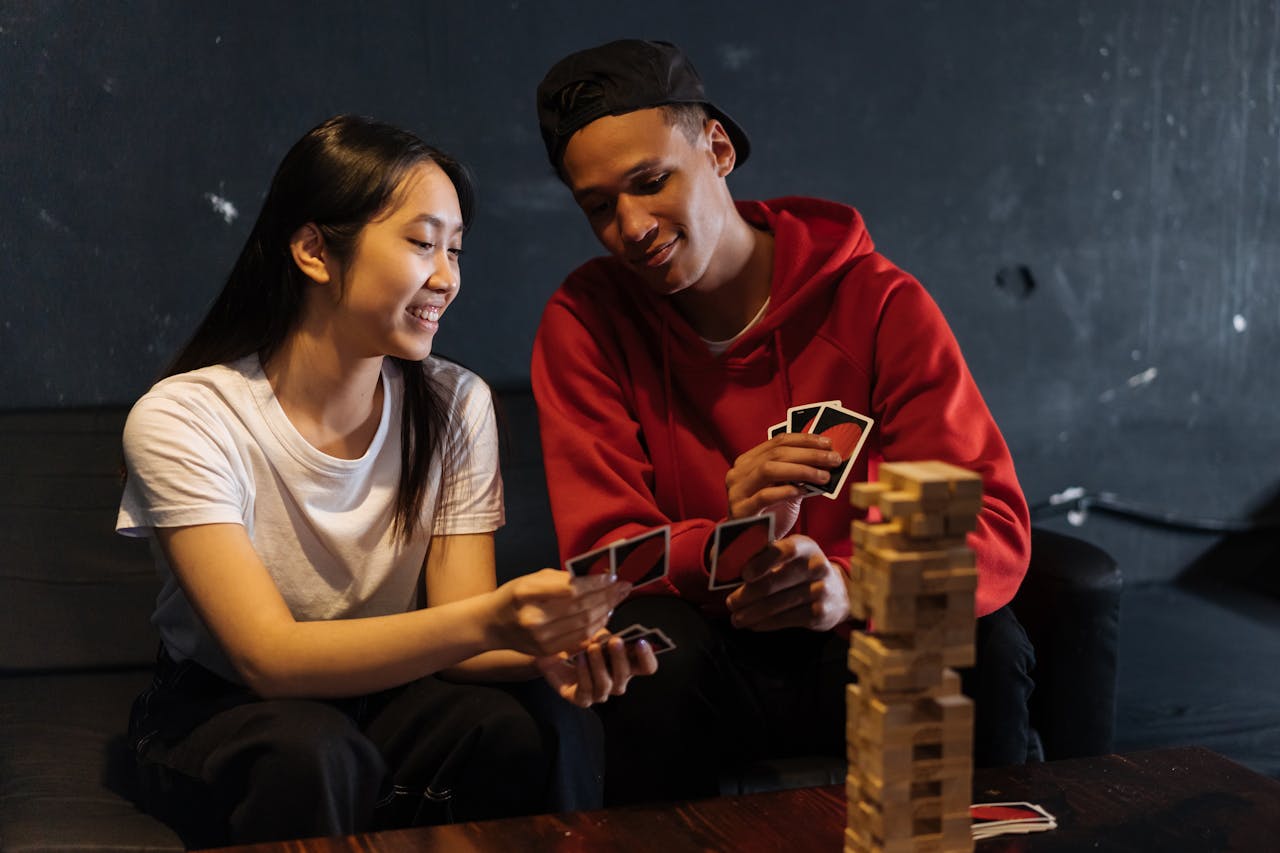
Shuffle Hands in Uno introduces a captivating twist to the classic card game, adding an element of unpredictability and strategic depth. Unlike traditional Uno, where players maintain a fixed hand throughout the game, Shuffle Hands involves periodic exchanges of hands among players, creating dynamic gameplay dynamics that keep participants engaged and entertained.
Understanding Shuffle Hands in UNO
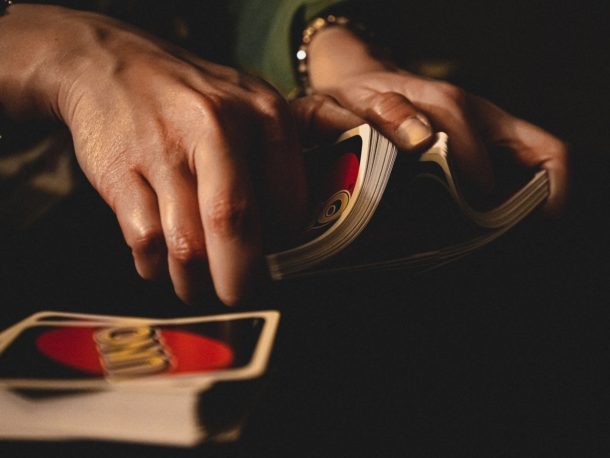
Understanding the intricacies of Shuffle Hands is vital for players looking to elevate their Uno experience. By grasping the nuances of this gameplay variation, individuals can enhance their strategic thinking, adaptability, and overall enjoyment of the game. Whether playing casually with friends or participating in competitive Uno tournaments, familiarity with Shuffle Hands can provide a competitive edge and foster a deeper appreciation for Uno’s timeless appeal.
Also Read: Best m13 Loadout COD Mobile: Best Attachments
The Objective of Shuffle Hands
The main goal of Shuffle Hands in Uno is to bring a certain element of sophistication and style to gaming. Periodic combinations of hands force players to adjust to ever-changing circumstances, preventing any one player from gaining a definite advantage This dynamic element of gaming brings fun, excitement and unpredictability to every aspect of Uno, ensuring that no two games are alike.
How Does Shuffle Hands Add a Twist to Uno?
Custom Uno is about clever card games, but Shuffle Hands takes it a step further. Not only do players have to guess their hands, they also anticipate how others will move, making each round a fun challenge. The dynamics of the game change with each hand, causing players to constantly rethink their strategies and adapt to new circumstances. This dynamic gameplay keeps Uno fresh, engaging, and endlessly entertaining, appealing to players of all ages and skill levels.
Also Read: Archero Best Hero: All Heroes, Weapons, Armors & More
How Do You Initiate Shuffle Hands?
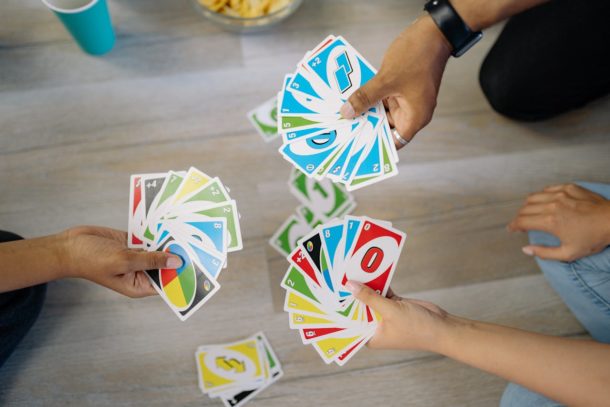
Specific rules and guidelines
To initiate Shuffle Hands, players must establish clear rules and guidelines for when and how to switch hands. Whether based on a set number of rounds, triggered by a specific card, or the dealer’s preference, these rules ensure a fair, consistent and smooth play through guidelines a set controls that allow players to experience the seamless Shuffle Hands experience that enhances the overall Uno.
The role of the Dealer in Shuffle Hands
The Dealer plays a key role in the coordination of the Shuffle Hands, ensuring that the hand swap is smooth and in accordance with established rules. Clear communication, fairness and impartiality are essential qualities for an effective dealer, it promotes a positive playing environment and prevents any misunderstanding or conflict between players When shaking hands, self-professionalism and loyalty are easy, the retailer contributes to a fun, exciting and memorable Uno experience for all stakeholders.
Also Read: Hunt Royale Tier List: Find the Best Hunters
Exploring Card Dynamics
In Shuffle Hands UNO, the value and significance of individual cards varies in an interesting way, depending on the game’s unfolding plot. Cards that are valuable for tactical advantage in traditional UNOs can lose some of their power in shuffled hands, where flexibility and flexibility are paramount in the ever-changing dynamics of cards
What Impact Does Shuffle Hands Have on Uno Gameplay?
Shuffle Hands acts as a catalyst to elevate the Uno game to new heights, providing a dynamic and enjoyable experience for players of all skill levels. The unpredictability that change brings forces a measured approach to resources, as players must weigh the risks and rewards associated with holding powerful cards.
What Are the Advantages of Shuffle Hands?
One of the primary advantages of Shuffle Hands UNO lies in its ability to rejuvenate the gameplay experience for seasoned Uno enthusiasts. By introducing an element of randomness and unpredictability, Shuffle Hands prevents the game from stagnating over time, ensuring that each session remains fresh and exhilarating.
What Are the Tips for Mastering Shuffle Hands?
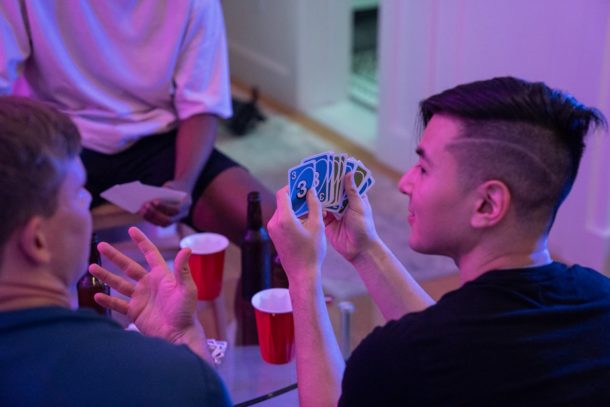
To excel at Shuffle Hands UNO, players must cultivate adaptability and strategic foresight. A solid understanding of the game’s core mechanics, coupled with a willingness to adjust strategies on the fly, is crucial for navigating through the dynamic twists and turns of Shuffle Hands gameplay.
Exploring Shuffle Hands Variations
Like a traditional UNO, Shuffle Hands offers ample room for customization with house rules and modifications. Players can experiment with different turn-based motivations or introduce new challenges, further increasing the depth and versatility of the game experience.
What Are the Common Challenges and Solutions?
Shuffle Hands a common challenge in UNO revolves around effectively handling sudden changes in strategy caused by the shuffle. However, this challenge can be mitigated by continuing recovery and switching quickly to new hands, allowing players to maintain their competitive advantage throughout the game.
Also Read: How Many GB is Fortnite? [PC/Mobile/Playstation/XBox]
Conclusion
Shuffle Hands UNO represents an exciting continuation of a beloved classic, providing players with a fun and dynamic gaming experience unlike any other. With a seamless blend of randomness and strategy, Shuffle Hands reinvigorates Uno, ensuring it remains endlessly entertaining for players of all ages Whether you’re an experienced Uno enthusiast or not new to the game, Shuffle Hands promises endless hours of entertainment and strategic curiosity, making it any game-night repertoire.


Download Minecraft PE 1.21.131 APK for Android
Minecraft Bedrock 1.21.131 is a focused hotfix update — improved Spear combat, two important bug fixes, and better overall stability on Android. No new content, but a noticeably smoother experience.
Spear Knockback Improvement
The window during which a charged Spear attack can apply knockback has been extended. This makes combat feel more reliable — the attack now connects as expected without requiring pinpoint timing, especially useful when fighting multiple mobs at once.
Spear Animation Alignment
Charge attack animations now accurately sync with the Spear’s three gameplay phases: Engaged, Tired, and Disengaged. What you see on screen now matches what the game engine is actually doing — making combat more readable and reducing guesswork in fights.
Performance & Stability
Frame drops on mid-range Android hardware have been reduced. Memory handling improvements prevent sudden freezes during long play sessions. World loading and chunk generation are more reliable, reducing terrain “pop-in” when exploring or moving quickly.
Multiplayer Improvements
Backend updates improve session stability when players join or leave. Fewer disconnects and smoother synchronisation across Bedrock servers. Marketplace content and add-ons also load more consistently during multiplayer sessions.
Adventuring Time Achievement Fixed — The achievement no longer unlocks early. It now correctly requires visiting at least 17 biomes on PC, matching the intended design.
Marketplace Escape Key Fixed — Pressing Escape after using the Marketplace search now reliably returns players to the previous menu instead of getting stuck in a loop.
Add-on World Loading Fixed — A bug that triggered a “Block” error when loading or creating worlds with multiple add-ons installed has been resolved.
Download the APK
Tap one of the Download buttons above. Choose the Standard (no music) version if storage is limited, or the Full version for the complete experience. The ARM64 build is recommended for modern phones.
Enable “Install Unknown Apps”
Go to Settings → Security (or Privacy) → Install unknown apps. Enable the permission for your browser or file manager. Android requires this for any APK installed outside Google Play.
Open the APK File
Open your Downloads folder, find the Minecraft 1.21.131 APK, and tap it to launch the system installer. Follow the on-screen prompts.
Install Over Existing Version
In most cases you can install 1.21.131 directly over your existing Minecraft without losing any worlds or progress. If you see a signature conflict error, uninstall first — but back up your worlds beforehand.
Launch and Sign In
Open Minecraft, sign in with your Microsoft/Xbox Live account, and your existing worlds will load normally. Online multiplayer, Realms, and Marketplace content all work as before.
Download Minecraft PE 1.20 APK for Android
Get the full Minecraft Bedrock 1.20 (Trails and Tales) APK for Android. Supports Xbox Live sign-in. Multiple versions available — stable releases and preview builds.
Download the APK File
Tap the Download button above for the version you want. The APK file will save to your device’s Downloads folder.
Enable “Install Unknown Apps”
Go to Settings → Security or Privacy → Install unknown apps. Enable it for your browser or file manager. Android requires this for any APK installed outside of Google Play.
Open the Downloaded File
Open your Downloads folder (or tap the notification), find the Minecraft APK, and tap it to start the installer.
Confirm Installation
Tap Install and wait for the process to complete. If you see a “signature conflict” error, uninstall your existing Minecraft version first, then retry.
Launch and Sign In with Xbox Live
Open Minecraft, sign in with your Microsoft/Xbox Live account to access multiplayer, Realms, and cross-platform features.
-
 Guides7 years ago
6 Proven Ways to Get more Instagram Likes on your Business Account
-
Mainstream12 years ago
BioWare: Mass Effect 4 to Benefit From Dropping Last-Gen, Will Not Share Template With Dragon Age: Inquisition
-
 Mainstream8 years ago
How to Buy Property & Safe Houses in GTA 5 (Grand Theft Auto 5)
-

 Guides2 years ago
Free Fire vs PUBG: Comparing Graphics, Gameplay, and More
-

 Guides2 years ago
50+ Free Fire ID and Passwords Login List (Giveaway) 2025
-
 Casual3 years ago
8 Ways to Fix Over-Extrusion and Under-Extrusion in 3D Printing
-

 Other3 years ago
Ajjubhai UID: Free Fire Details & Earnings
-

 Features2 years ago
Exploring Valorant eSports Stats: Unveiling the Metrics Behind Competitive Excellence