
Video Games
How Big Is Valorant? Download & Install Size (2025)

Key Takeaways
- Download size (2025): ~25–28 GB, with installation expanding to 30–35 GB.
- Updates: Each patch can add 1–3 GB, so it’s wise to keep 40–45 GB free.
- System requirements: Runs smoothly even on low to mid-tier PCs, with higher FPS possible on advanced setups.
- Comparison: Lighter than Apex Legends (70–85 GB) and Warzone (100–120 GB).
- Storage tips: Clear cache, delete old patches, or move the game to a secondary drive/SSD.
- Download times: About 30–40 minutes on 100 Mbps; slower connections may take 1.5–3 hours.
Introduction
Valorant is a great game, and comes with some hefty installation requirements. Let’s tell you everything in detail so you can start playing just as quick!!
Valorant Download Size In 2025
In 2025, Valorant’s download size is around 25–28 GB, which varies based on your region and any updates to the launcher. When you first grab the game through Riot’s client, the initial download is pretty light, sitting at about 150–200 MB. But once you kick off the installation, the full game starts to bulk up. After everything is unpacked and the patches are applied, you can find the total size ballooning to around 30–35 GB on your disk. Riot Games has done a solid job of keeping the file size in check compared to other big FPS games, making it manageable even for mid-range PCs.
That said, with the introduction of new agents, maps, and seasonal updates, you can expect the size to creep up a bit over time. It’s a good idea to keep at least 40 GB of free space handy to cover downloads, updates, and any temporary files that pop up during installations.
What Is Valorant Install Size After Updates & Patches?
After all the updates and patches, the install size usually balloons a bit. Once everything is fully installed and unpacked, it takes up roughly 30–35 GB on your hard drive. This can change since Riot Games is always rolling out updates that introduce new agents, maps, skins, and balance tweaks. Each major act or episode update can add anywhere from 1 to 3 GB, depending on what’s included.
On top of that, Valorant keeps temporary files, cache data, and patch downloads that can eat up extra space. If players don’t regularly clean out old files, they might find their Valorant folder creeping past 35 GB. While Riot’s launcher sometimes compresses or optimizes files, the install size typically ends up being larger than the original download.
To keep everything running smoothly, it’s a good idea to have at least 40–45 GB of free space on your system. This way, you’ll have enough room for future patches, hotfixes, and new content without hitting any storage snags. Compared to other FPS heavyweights like Apex Legends or Call of Duty, Valorant is still relatively lightweight, but it does gradually expand as the game continues to evolve with fresh content each season.
Let’s Talk About System Requirements For Valorant In 2025
Valorant has always been crafted to run seamlessly on a variety of PCs, making it a game that both casual and competitive players can enjoy. In 2025, Riot Games is still keeping the system requirements pretty reasonable, so even those with low to mid-tier setups can dive into the action.
The minimum requirements remain quite lenient: you’ll need a Windows 7/10/11 (64-bit) OS, an Intel Core 2 Duo E8400 or AMD Athlon 200GE processor, 4 GB of RAM, and an Intel HD 4000 graphics card. With these specs, players can expect to run Valorant at around 30 FPS, although competitive gameplay might feel a bit restricted.
- To enhance your gaming experience, Riot suggests using a setup that includes an Intel i3-4150 or an AMD Ryzen 3 1200 processor, along with 8 GB of RAM and either a GTX 1050 Ti or a Radeon R7 370 GPU. This configuration will let you enjoy smooth gameplay at 60 to 144 FPS, which is perfect for ranked matches.
- For those looking to take their competitive gaming to the next level, consider an Intel i5-9400F or an AMD Ryzen 5 2600, combined with a GTX 1660 or a Radeon RX 5600 XT. This setup can push Valorant beyond 240 FPS, especially if you’re using a 144Hz or 240Hz monitor.
How Does Valorant’s Size Compare To Other Popular FPS Games?
Valorant (2025):
- Download size: ~25–28 GB
- Install size after updates: ~30–35 GB
- Optimized to stay compact without compromising visuals or gameplay.
Counter-Strike 2 (CS2):
- Install size: ~35–40 GB
- Slightly larger than Valorant due to advanced textures and Source 2 engine assets.
Apex Legends:
- Install size: ~70–85 GB
- Heavier because of massive maps, high-quality textures, and frequent seasonal content.
Call of Duty: Warzone:
- Install size: 100–120 GB (can exceed with updates)
- Known for being one of the largest FPS titles, demanding significant storage.
Overwatch 2:
- Install size: ~50–60 GB
- Bigger than Valorant but smaller than Warzone or Apex, with extensive hero skins and map assets.
Here Are Some Tips To Reduce Valorant Storage Space
- To clear the Riot Client cache, head over to the Riot Games folder and get rid of those temporary cache files. This little step can help tidy up unnecessary storage clutter.
- When it comes to uninstalling old patches and logs, keep in mind that Valorant sometimes holds onto leftover files from past updates. You can safely remove them using the Riot repair tool.
- If your main SSD is getting cramped, consider moving Valorant to a secondary SSD or HDD that has more space available.
- Also make sure to disable any features you don’t use. For instance, skip downloading those high-resolution content packs or optional files that aren’t necessary for your gameplay.
How Long Does Valorant Take To Download?
The initial launcher is pretty lightweight, coming in at around 150–200 MB. However, to get the full game, you’ll need to download a hefty 25–28 GB. If you’re on a 100 Mbps connection, you can expect the download to take about 30–40 minutes. For those with slower connections, like 20–30 Mbps, it might take anywhere from 1.5 to 3 hours.
Just remember, large updates or patches add an extra 1–3 GB, which means longer download times. Plus, if the servers are busy during major updates, that can slow things down too. To help speed things up, and try closing any unnecessary background apps, switch to a wired Ethernet connection instead of Wi-Fi, and make sure you have enough free storage on your system for a smooth installation.
Can You Play Valorant On Low-Storage PCs In 2025?
Yes, you can play Valorant on low-storage PCs in 2025, but you’ll need to keep a close eye on your disk space. The game itself takes up about 30–35 GB after installation, which is pretty light compared to many of the latest FPS games out there. If your PC is running low on storage, it’s a good idea to have at least 40 GB free to ensure smooth downloads, updates, and temporary patch files.
For those with smaller drives, you can move Valorant to an external SSD or HDD to free up space on your main disk. Another great option is to use cloud gaming services when they’re available, which means you won’t have to worry about a hefty local install. Plus, regularly clearing out Riot cache files and uninstalling apps you no longer use can really help you reclaim some space.
Conclusion
With a download size hovering around 25–28 GB and an installed footprint of 30–35 GB, it really manages to strike a great balance between delivering high-quality gameplay and maintaining optimized performance.


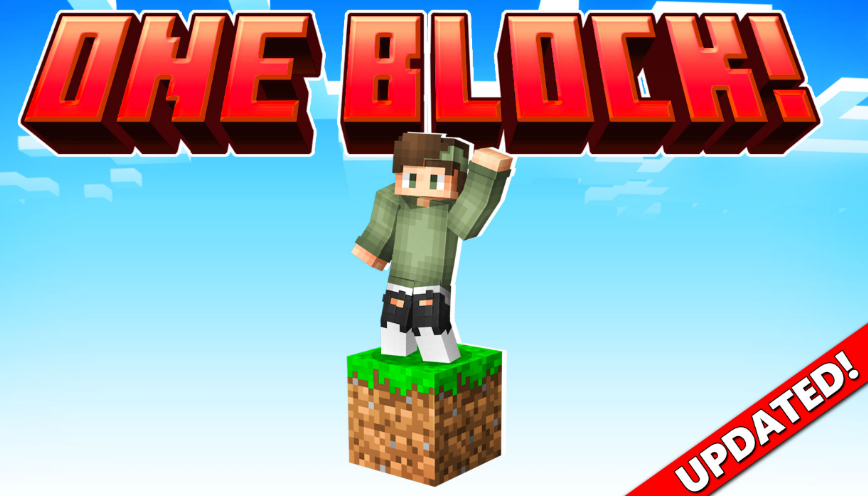
Minecraft is known for giving players endless freedom to create, explore and survive. However, starting a new world can sometimes feel overwhelming, especially when the available resources are limited. One Block survival maps add an extra challenge by changing the traditional Minecraft experience. Instead of exploring a large world from the beginning, players start with a single block and must carefully use every resource they receive.
The popular One Block by Dodo Studios experience for Minecraft Bedrock introduces players to this unique survival concept. While the idea may seem simple, many new players quickly discover that success requires planning, patience and smart decision-making.
Rushing Through The First Stages Too Quickly
One of the most common mistakes beginners make in One Block Minecraft Bedrock is progressing too quickly without preparing their surroundings. Since almost every block can provide important resources, breaking blocks without thinking about what comes next can create unnecessary challenges.
New players often focus only on collecting materials instead of building a safe and organised starting area. Creating storage, setting up basic tools and making sure there is enough space to expand can make a significant difference later in the game.
A good strategy is to treat the first stages as a preparation phase. Even simple improvements, such as creating platforms and organising resources, help players avoid losing valuable items or running into problems when new challenges appear.
Forgetting The Importance Of Resource Management
Another mistake many beginners make is using resources without considering future needs. In a traditional Minecraft world, players can usually travel to new areas to collect missing materials. In One Block gameplay, every resource has more value because progression depends on the blocks that appear.
Players should think carefully before crafting items or using rare materials. Building too many unnecessary objects early on can slow down progress and make later stages more difficult.
Learning how to manage limited resources is one of the most rewarding parts of this type of Minecraft challenge. It encourages players to plan ahead and understand the importance of every decision they make.
Missing Opportunities To Explore New Minecraft Experiences
Many Minecraft players enjoy survival mode because it allows them to create their own goals. However, custom maps and Marketplace content can introduce completely new ways to play. Exploring additional experiences is a great way to discover challenges that are different from the standard Minecraft formula.
Players looking for new adventures can visit Minecraft Bedrock Marketplace to discover a wide range of worlds, add-ons and creative projects. These experiences allow players to try different gameplay styles while keeping the familiar Minecraft foundation.
One Block-style challenges are a good example of how small changes can completely transform the way players approach the game. Instead of simply collecting materials and building freely, players must think strategically and adapt to unexpected situations.
Minecraft continues to remain popular because it gives players the freedom to create their own adventures. Whether someone is new to survival gameplay or an experienced builder looking for a fresh challenge, custom worlds and add-ons offer countless possibilities.
Avoiding common beginner mistakes can make the One Block experience more enjoyable and rewarding. With better planning, careful resource management and a willingness to explore new content, players can turn a single block into the foundation of an impressive Minecraft world.
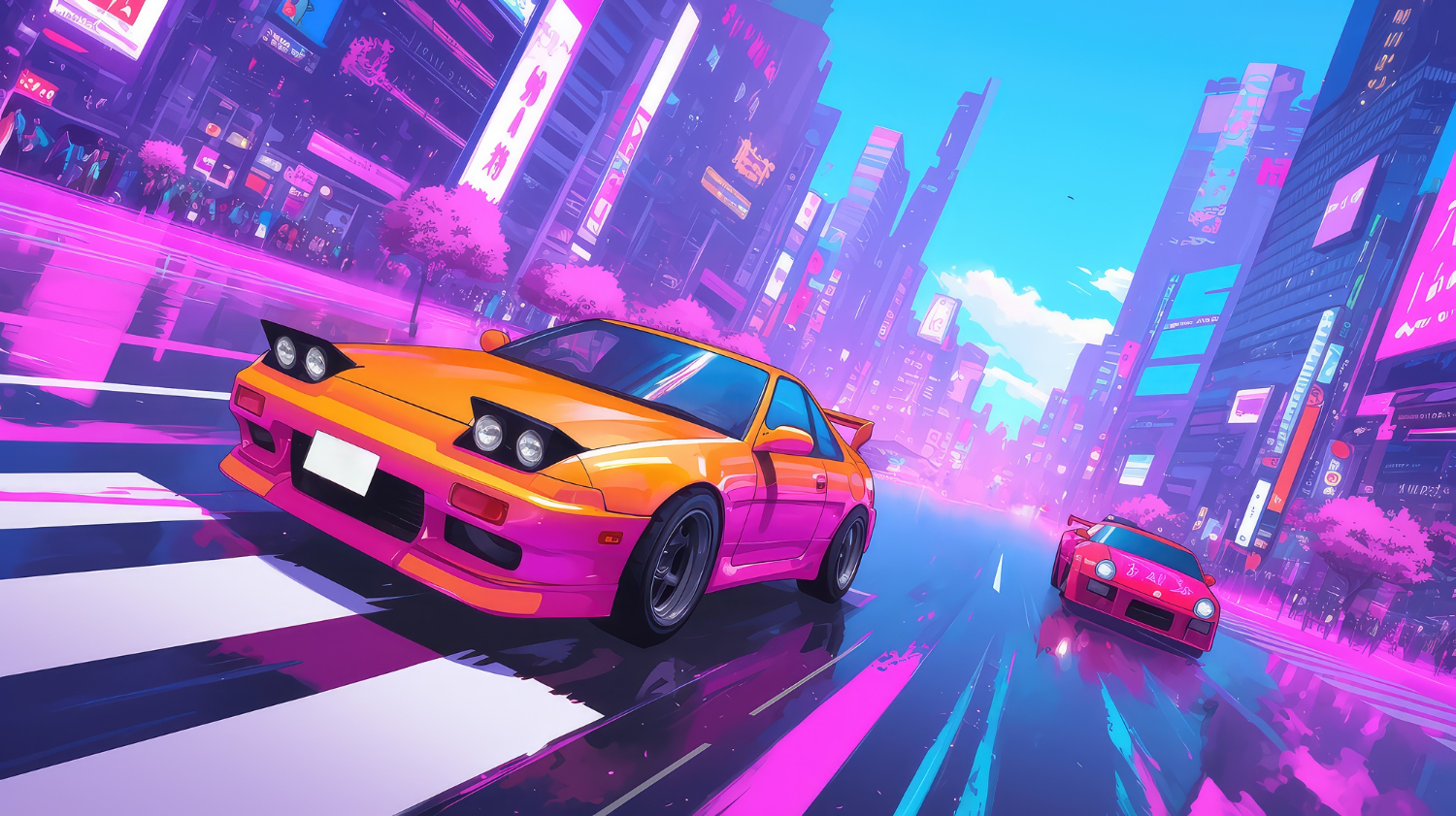
Drifting turns ordinary racing into something much more dynamic. Instead of simply following the fastest line around a track, players have to manage steering, acceleration, braking, and momentum while deliberately sending the car sideways through corners. The result is a style of racing that rewards timing and control while still being accessible to players looking for quick entertainment.
One of the biggest advantages of modern browser racing games is convenience. There is no need to install a large game client or spend time configuring complicated settings before getting behind the wheel. With a compatible browser and an internet connection, players can jump into a drifting challenge within minutes. For those looking for a collection of accessible titles, try the top free drifting games at the Drift Games Hub, where different styles of online drifting can be explored in one place.
Whether you prefer realistic handling, arcade-style action, obstacle courses, or score-based challenges, these 10 types of browser-based drifting games offer plenty of sideways racing fun.
1. Realistic Drift Simulators
For players who want to concentrate on technique, realistic drift simulators provide a more detailed driving experience. These games often give greater importance to vehicle weight, steering response, acceleration, and traction.
The objective is not simply to turn the car sharply and hold the accelerator. Successful drifting requires players to find the right balance between throttle and steering. These games can be particularly enjoyable for people who want to practice smooth transitions and controlled slides.
2. City Street Drifting Games
City-based drifting games put the action on urban roads surrounded by buildings, intersections, tunnels, and other obstacles. Their environments can make each corner feel different from the last.
Many of these games combine drifting with traditional checkpoint racing. Players need to maintain speed while avoiding barriers and staying on course. The compact layouts also make them suitable for short gaming sessions when you want a quick race rather than a lengthy campaign.
3. Mountain Drift Challenges
Mountain roads are naturally suited to drifting because they are filled with sharp bends and changes in direction. Browser games built around these environments usually emphasize precision and cornering.
A narrow road leaves less room for mistakes, so players have to judge their speed before entering each turn. Holding a long slide without touching the barriers can become a challenge in itself. These games are especially appealing to players who enjoy technical courses rather than wide racing circuits.
4. Drift Score Attack Games
Not every drifting game needs to be about finishing first. Score attack titles make the quality and length of your slides the central objective.
Players typically earn points for maintaining drifts, linking multiple corners, or achieving impressive angles. This creates a different kind of competition because the fastest route is not always the most rewarding one. A slower but longer controlled slide can sometimes produce a much higher score.
5. Stunt and Obstacle Drifting Games
Some online drifting games combine racing with stunt-based gameplay. Instead of simply navigating conventional tracks, players may encounter ramps, barriers, platforms, jumps, and unusual layouts.
These games are often more forgiving and arcade-oriented than realistic simulators. Their appeal comes from experimentation. Players can attempt dramatic slides, discover shortcuts, and figure out how to handle unusual obstacles while keeping the car moving.
6. Traffic Drifting Games
Traffic-based drifting games introduce another challenge: other vehicles. Players have to maintain control while navigating roads populated with moving cars.
The presence of traffic changes the rhythm of a drift. A corner that looks easy can suddenly become difficult when another vehicle occupies the ideal racing line. These games reward anticipation because players need to think about both the upcoming turn and the surrounding traffic.
7. Drift Racing Games With Car Customization
Customization can make an online drifting game feel more personal. Some browser titles allow players to change the appearance of their vehicles, while others provide upgrades that affect performance.
Visual customization might include different paint jobs, wheels, body styles, or other cosmetic details. Performance-focused games can go further by allowing adjustments to handling or acceleration. This adds another layer to the experience because players can experiment with different setups before returning to the track.
8. Time-Trial Drift Games
Time trials combine the technical nature of drifting with the pressure of the clock. Players must complete a course as quickly as possible while maintaining enough control to avoid costly mistakes.
The challenge is finding a balance between speed and precision. Entering a corner too aggressively can cause a spin or collision, while being overly cautious can result in a slow finish. Replaying the same course can therefore become part of the fun as players gradually improve their route and timing.
9. Multiplayer-Inspired Drift Competitions
Some browser-based racing games are designed around competitive features, leaderboards, or multiplayer-inspired challenges. Even when players are not directly racing against opponents in real time, rankings can provide an additional reason to keep practicing.
A leaderboard turns a simple drift into a personal challenge. After learning the track, players can attempt to improve their score, reduce their completion time, or achieve a longer uninterrupted slide. This format works particularly well for short online sessions because every attempt can produce a new target.
10. Casual Arcade Drifting Games
Sometimes the best choice is simply a game that is easy to understand and fun from the first attempt. Casual arcade drifting games typically use straightforward controls and exaggerated driving physics.
These titles are ideal when you do not want to spend time learning complicated mechanics. You can start a race, learn the basic controls, and begin experimenting with corners almost immediately. Their simple approach also makes them suitable for players who are new to drifting games.
What Makes a Browser Drifting Game Fun?
The strongest online drifting games tend to combine accessible controls with mechanics that reward practice. A game can be simple to start but still provide enough depth for players to improve over multiple attempts.
Track design is another important factor. A collection of interesting corners, changing road widths, obstacles, and different environments can make a game much more replayable. Vehicle handling also matters because drifting should feel responsive rather than completely random.
Most importantly, browser-based games benefit from keeping the experience convenient. When a player can open a page, select a car, and start drifting without a lengthy setup process, it becomes much easier to fit a few races into a break or casual gaming session.
Finding Your Next Online Drifting Challenge
Drifting games come in many forms, from technical mountain-road simulators to fast arcade races and score-based challenges. Some are designed around precision, while others focus on stunts, customization, or simply creating entertaining slides.
The variety is what makes browser-based drifting particularly appealing. You can try a realistic driving challenge when you want to concentrate on technique, then switch to a more casual arcade game when you want something faster and less demanding.
With so many online options available, there is always another corner to master, another score to beat, or another track to explore. All you need is a browser, a few minutes to spare, and a willingness to put your car sideways.
The perfect home setup can seem like the condition for taking games seriously: a permanent screen, familiar purchases, and every device within reach. That view misses what a trip can add. Playing abroad puts a familiar hobby next to local conversations, public spaces, and retail displays, so a short session can become a firsthand encounter with another gaming culture. The value comes from attention to place, not from treating travel as a method for changing rules.
Local arcades, game shops, conventions, cafés, esports spaces, and multilingual communities give play a setting that a desk at home cannot reproduce. They can also broaden a player’s sense of online participation, including discussions around game-related earning activity. A resource on how to make money online fits this travel lens when treated as part of international communities and events that reveal how people connect games with online opportunities, rather than as a detached shortcut.
Travel as Cultural Discovery, Not a Region Switch
Travel can reveal local release calendars, physical editions, regional promotions, and the games that receive visible attention in a particular market. It cannot promise earlier access or a different catalogue, because publishers and platforms set availability and release timing by region. The useful move is cultural discovery: browse displays, listen to conversation, and visit public gaming spaces when they are available. Those observations give a trip texture without turning geography into an account workaround.
A game that has been available at home may take on a different character when local players recommend it, discuss it, or display it prominently in stores. Keep three situations separate: playing an existing library abroad, buying a product in another country, and changing an account’s store region. Steam lets existing users keep seeing home-country prices and shop as usual while traveling. A store-country change is intended for people who have moved or live abroad for an extended period; it needs a payment method from that country and is generally limited to once every three months. PlayStation account country or region is selected at creation and cannot be changed later.
Choosing Digital Products With Account Context
Players can buy digital games through official platform stores or digital marketplaces. Eneba offers game keys and gift cards within a broad digital catalogue, while listing details can identify the relevant region and platform for a purchase.
Those details support smart product selection during a trip. Match a purchase to the account country, platform, and activation rules before checkout. PlayStation voucher codes must match the account’s country or region for activation, and some add-ons may not work with a physical game from another region. For physical editions, the relationship between the game’s region and an add-on deserves the same attention. This preparation keeps a purchase aligned with the account already in use.
Publisher and platform rules also determine DLC and preorder availability, so travel is no promise of content ahead of its stated release. The better travel setup values flexibility over a perfect room. A laptop, handheld, console already available at the destination, or a reliable existing account can keep gaming connected to the trip, depending on the game. Digital marketplaces like Eneba offer deals on digital products as a practical part of that travel toolkit.
-
 Guides7 years ago
6 Proven Ways to Get more Instagram Likes on your Business Account
-
Mainstream12 years ago
BioWare: Mass Effect 4 to Benefit From Dropping Last-Gen, Will Not Share Template With Dragon Age: Inquisition
-
 Mainstream8 years ago
How to Buy Property & Safe Houses in GTA 5 (Grand Theft Auto 5)
-

 Guides2 years ago
Free Fire vs PUBG: Comparing Graphics, Gameplay, and More
-

 Guides2 years ago
50+ Free Fire ID and Passwords Login List (Giveaway) 2025
-
 Casual3 years ago
8 Ways to Fix Over-Extrusion and Under-Extrusion in 3D Printing
-

 Other2 years ago
Ajjubhai UID: Free Fire Details & Earnings
-

 Features2 years ago
Exploring Valorant eSports Stats: Unveiling the Metrics Behind Competitive Excellence